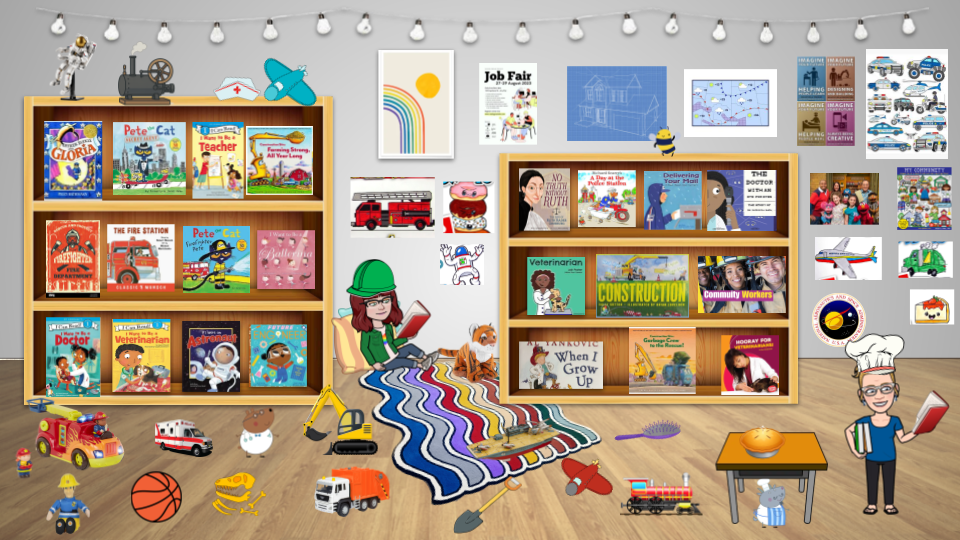
So glad to share today with Teacher Fellows Cohort 30, an amazing group of graduate students. Here are the slide decks we are using as we create with paper and flexible google tools! Thanks for participating, contact me here with questions.
Category: apps for the library or classroom
google slides and drawing love. again.
Today I will be talking my love of all things slides and drawings at Fusion in Hays. Hands down my go-to creation tools when I want students to express their collaborative or independent learning with a dash of creativity and communication when they are ready! Check out the slide deck below, happy creating!
gif it over for brush ninja
I have used brush ninja a few times this year to allow kids a chance to make their own animated gifs while illustrating their learning. One week we illustrated vocabulary terms, some students showed a change in a character’s feelings, and others showed natural disasters or events. No matter the task, brush ninja allows an element of creativity in their demonstration of understanding. We can’t get enough! Easy to use and customize, students learn quickly how to change a background, duplicate a slide to show change gradually, and to save to their google drives and share images with peers. Here are a few students samples, all quickly created in one class session.